




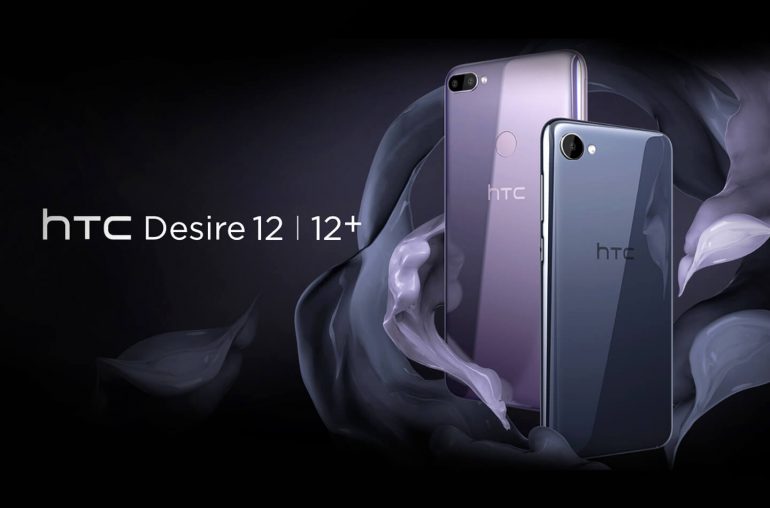
HTC heeft een tweetal nieuwe budget telefoons geïntroduceerd. Dat maakte de Taiwanese fabrikant een aantal dagen gelden bekend middels onderstaand persbericht. De nieuwe Desire smartphones zijn per direct verkrijgbaar. De HTC Desire 12 heeft een verkoopprijs van €199,- en de Desire Plus gaat €249,- kosten. Prijzen zijn voor een los toestel zonder abonnement.
HTC Persbericht: Maak kennis met de budgetmodellen voor 2018
Een dure telefoon kopen? Of meer telefoon voor hetzelfde budget? Een groot 18:9-scherm, een prachtig en slank design en een dubbele camera: de HTC Desire 12 en de HTC Desire 12 Plus bieden je veel telefoon zonder dat dit pijn doet in je portemonnee.
Je favoriete YouTuber ziet er beter uit in breedbeeldformaat, je mobiele telefoon is een verlengstuk van jezelf en je foto’s moeten er fantastisch uit zien op Instagram. De digitale generatie verwacht veel van een smartphone. Vandaag onthult HTC dan ook twee nieuwe budget telefoons die deze verwachtingen inlossen, zonder dat je daarvoor je bankrekening hoeft te plunderen.
De 5,5-inch HTC Desire 12 en de 6-inch HTC Desire 12 Plus bieden een vrijwel gelijkwaardige mobiele gebruikservaring in twee verschillende formaten. Ondanks hun grote randloze 18:9-schermen zijn ze verrassend slank en liggen ze erg goed in de hand.
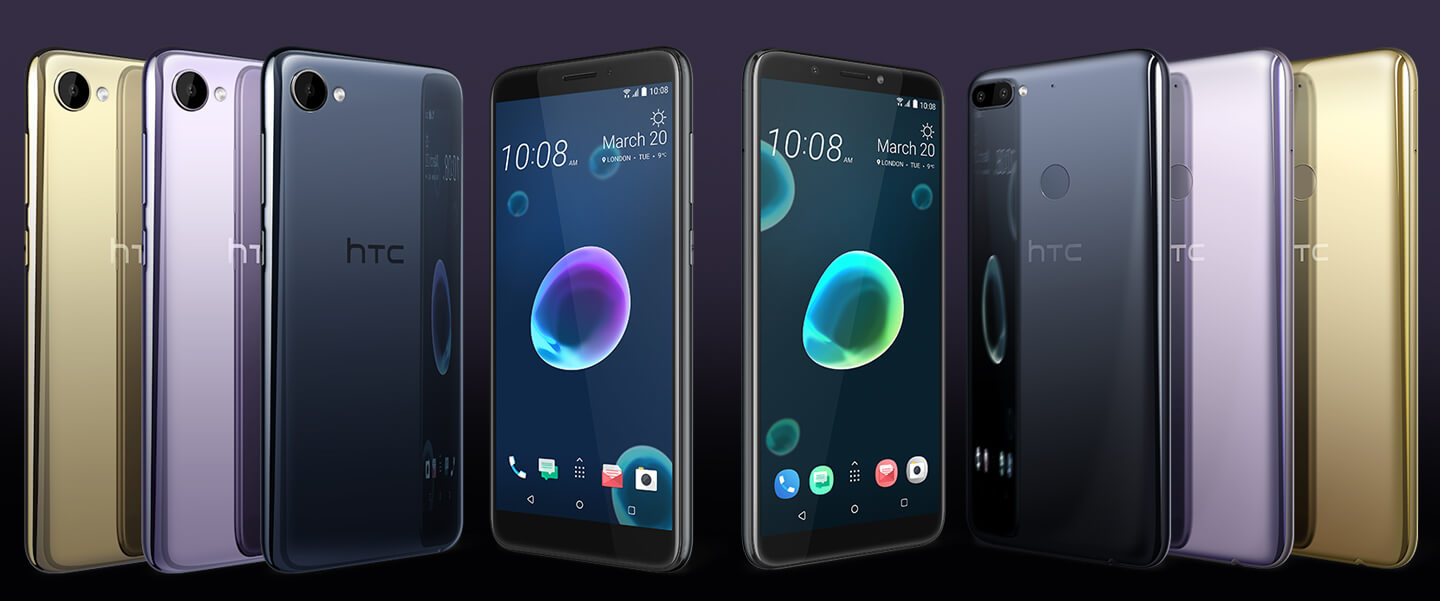
HTC Desire 12 modellenreeks
Beide telefoons van HTC zijn uitgerust met een groot scherm dat zich eenvoudig laat bedienen. Meer YouTube, een rijkere game-ervaring, meeslependere films. Een groter scherm en betere kijkervaring zorgen ervoor dat je kan genieten van de dingen waar je het meest van houdt, terwijl de Swipe Anywhere functie ervoor zorgt dat alles wat je nodig hebt altijd binnen handbereik is.
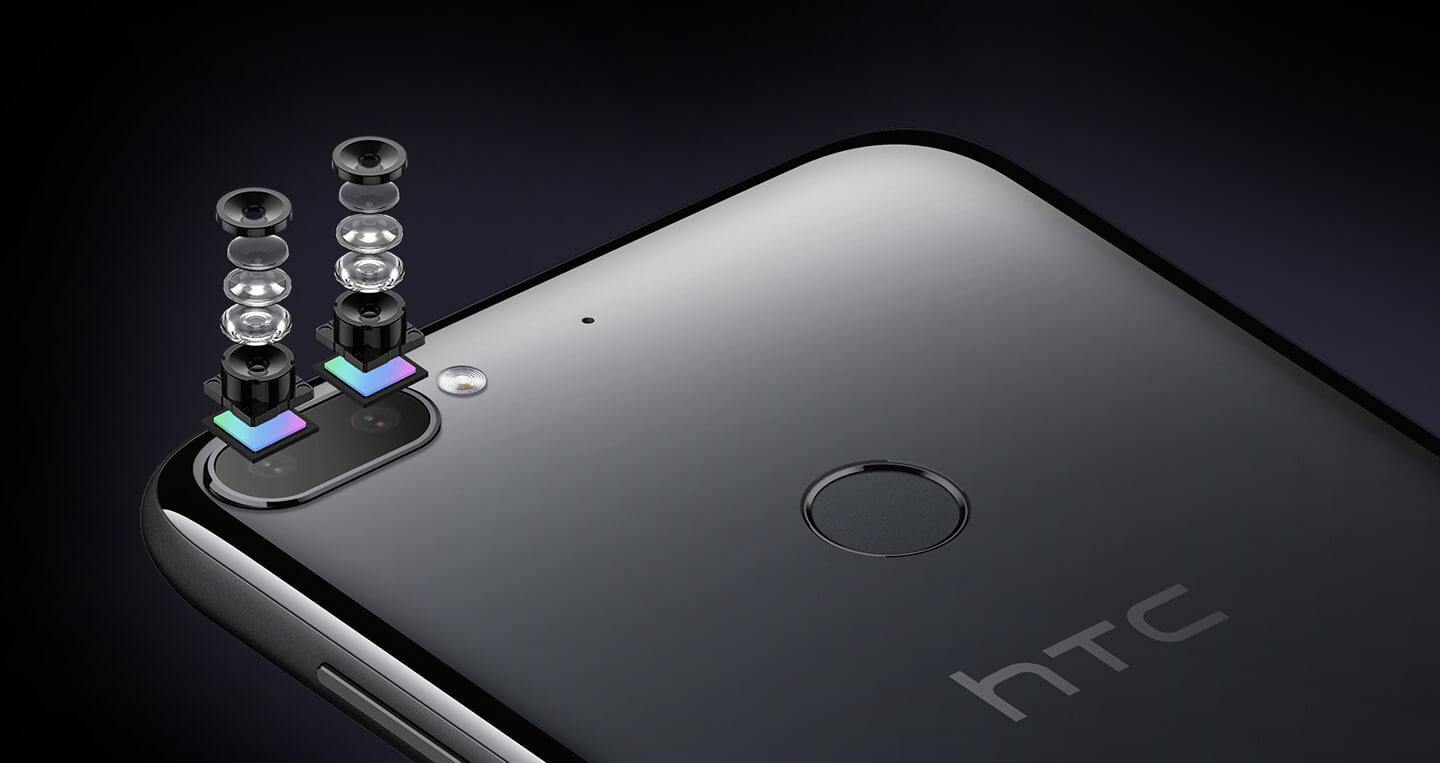
Leg jouw speciale momenten vast. Maak levendige foto’s met de 13 Megapixel hoofdcamera, of het nu dag of nacht is. De Phase Detection autofocus zorgt voor extra scherpe foto’s, zelfs wanneer je onderwerp beweegt. De HTC Desire 12 Plus is zelfs uitgerust met een dubbele camera, zodat je achteraf een prachtig en artistiek bokeh-effect aan je foto’s kan toevoegen. Functionaliteit die we eigenlijk alleen maar terugzien bij premium modellen.
De HTC Sense Companion maakt je leven eenvoudiger, met onder andere de slimme alarmfunctie. Die reageert op een intelligente manier op wat er in je agenda staat. De Battery Saver herinnert je er dan weer aan om je toestel even bij te laden voor je het huis verlaat. Je smartphone blijft verder in topconditie doordat rommelbestanden automatisch worden opgeruimd.
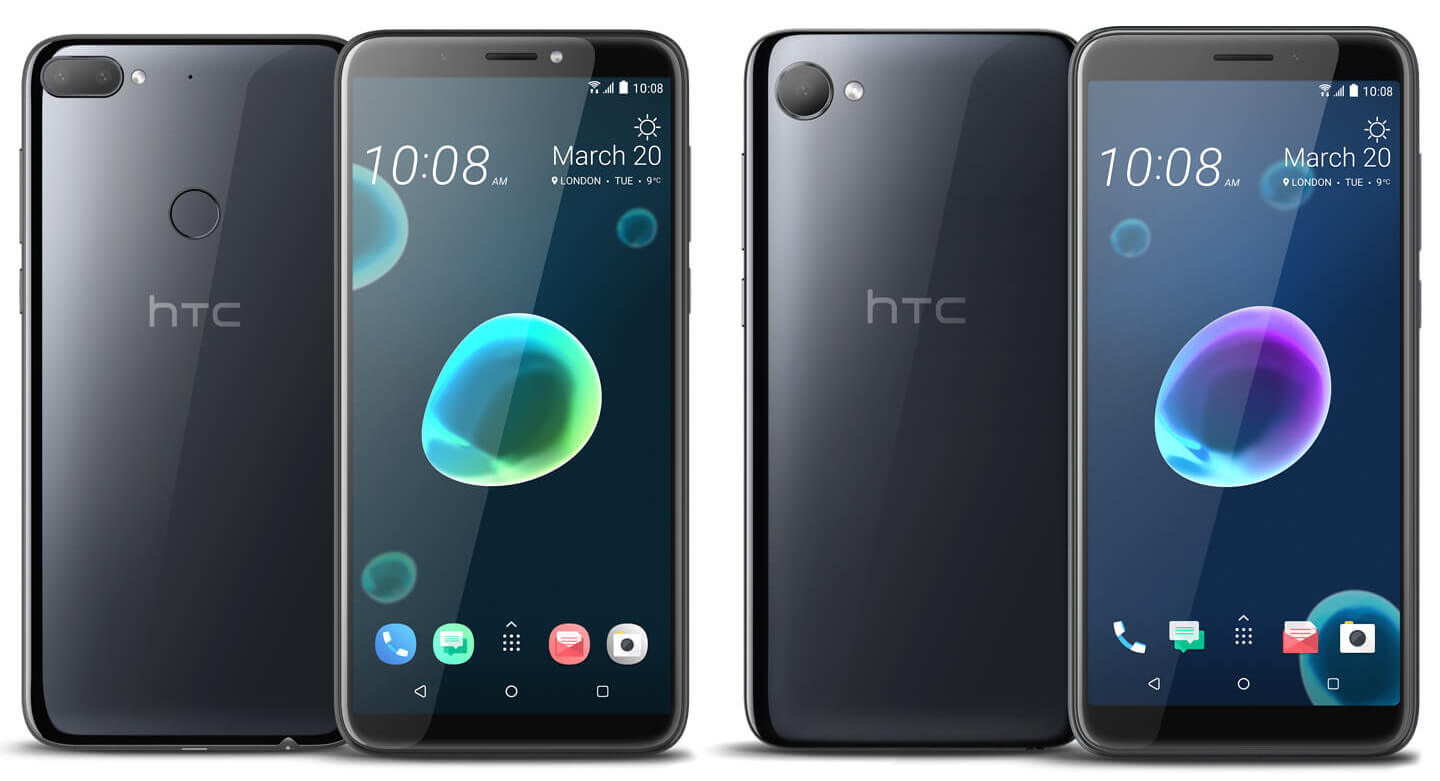
Als eerbetoon aan de prachtige Liquid Surface achterkant van de U11 modellenreeks bezitten ook de HTC Desire 12 en de HTC Desire 12 Plus over een achterkant vervaardigd uit robuust acrylglas. Het naadloze design en de prachtige gebogen randen zorgen voor een luxe gevoel en premium ervaring en de dynamische kleuren helpen jou om je eigen unieke stijl uit te dragen. De twee nieuwe HTC telefoons zijn verkrijgbaar in de kleuren Cool Black en Warm Silver.
Advertentie